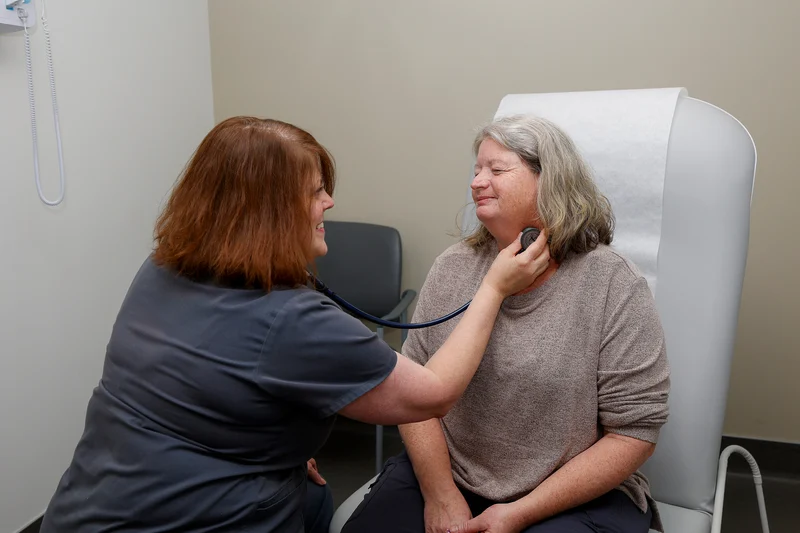
Scheduling care at SEARHC is easy. Different options allow patients to manage their care in the way that best fits their needs, as well as seek personal support from the Patient Support Center care team.
Direct Scheduling (All Patients)
Direct scheduling allows patients to book certain appointments online without creating an account or logging in. This is a great option for all patients, but especially patients who are new to SEARHC.
If this is an emergency, dial 911. For urgent needs, please visit Urgent Care. For emergent concerns, please go to the Emergency Room immediately.
Available appointment types:
Primary Care (in-person and virtual visits)
Urgent Care (in-person and virtual visits)
Nurse Visit
Why choose this option?
No login required
Book directly
Available to new patients
MySEARHC Patient Portal (Current Patients)
Current patients can schedule certain appointments through the MySEARHC Patient Portal. The portal also gives patients the ability to manage their appointments, securely message with their care team, access their records, and more.
Available appointment types:
Primary Care (in-person and virtual visits)
Urgent Care (in-person and virtual visits)
Nurse Visits
Nutrition (in-person and virtual visits)
Why choose this option?
Why choose this option?
Convenient for patients already connected to their care team
You can request an appointment for other services by submitting this form. The SEARHC care team will assist you with scheduling and completing any pre-registration information.
Use the online Appointment Request Form to request any type of appointment at SEARHC, including primary care, specialty services, and more. After the form is submitted, a member of SEARHC’s care team will contact you to confirm availability and schedule your visit.
Available appointment types:
Behavioral Health (in-person and virtual visits)
Dental Care
Primary Care (in-person and virtual visits)
Urgent Care (in-person and virtual visits)
Specialty Care (in-person and virtual)
Why choose this option?
Available for all appointment types
No account or login required
Helpful if you’re establishing care or unsure which service you need
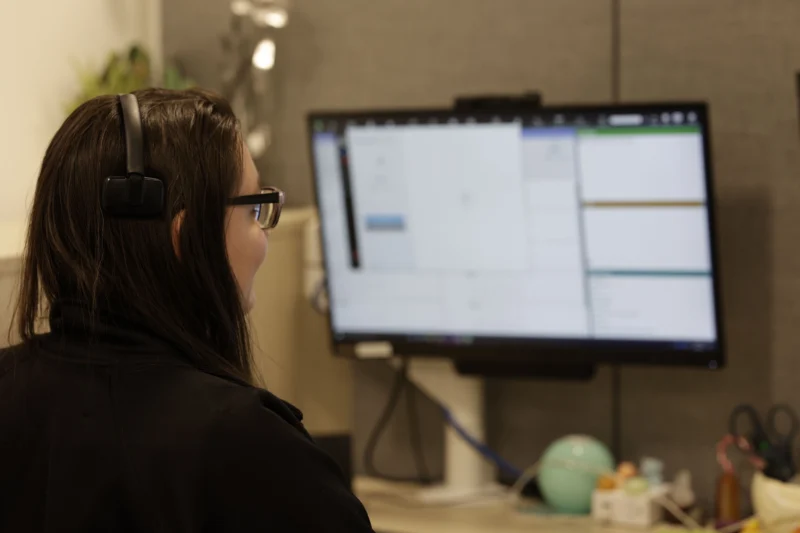
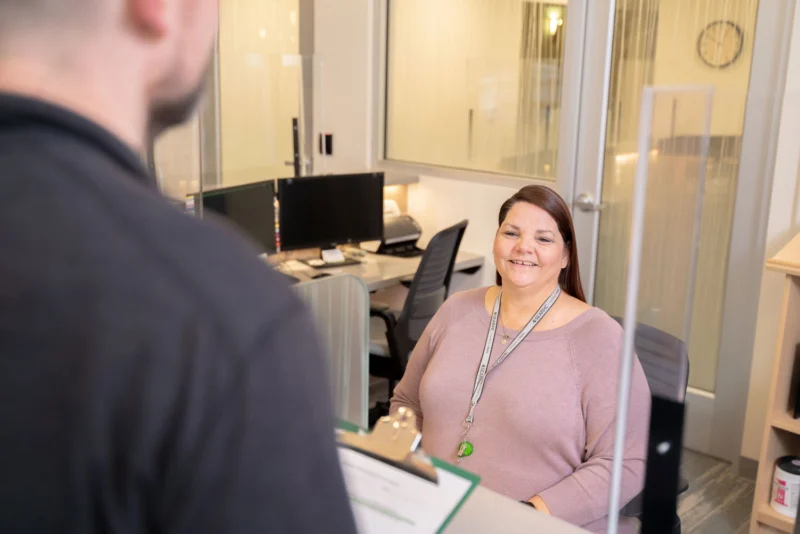
Prefer to speak with someone or need help choosing the right option? Our Patient Support Center is here to help. Patients who prefer calling or texting instead of online scheduling will receive direct support from SEARHC’s team. Call or text: 907.463.0400
Our support team can:
Schedule appointments
Answer questions about services
Help new and returning patients get connected to care
Call or text the Patient Support Center at 907.463.0400
Not Sure Which Option Is Right for You?
We’re here to help you get the care you need — when and how it works best for you.
All appointments, new or current patients: Use the Appointment Request Form
Established patients managing care: Use the MySEARHC portal
Quick scheduling for primary care, urgent care, or nursing: Use Luma Direct Scheduling
Need personal assistance: Contact the Patient Support Center